---
url: https://sugarat.top/weekly/2024-04-14.md
description: >-
① Bun 1.1 发布 - Bundows ② Signals 的标准化提案 ③ 免费的AI咒语聚合网站 ④ 前端框架新势力大盘点 ⑤ dashpress
- 数据库管理 ⑥ node.js 截图库 ⑦ autospec - API 规范描述文件生成 ⑧ Journey.js - 交互式引导 ⑨ barbajs
- 页面切换的平滑过渡 ⑩ CSS 容器查询交互式教程
---
# 视野修炼第80期 | Bundows
欢迎来到第 80 期的【视野修炼 - 技术周刊】,下面是本期的精选内容简介
\[\[toc]]
**也推荐大家关注一下最后的推荐内容(周刊的主要内容来源渠道)**
下面开始本期内容的介绍**ღ( ´・ᴗ・\` )比心**。
## 🔥强烈推荐
### 1. Bun 1.1 发布 - Bundows
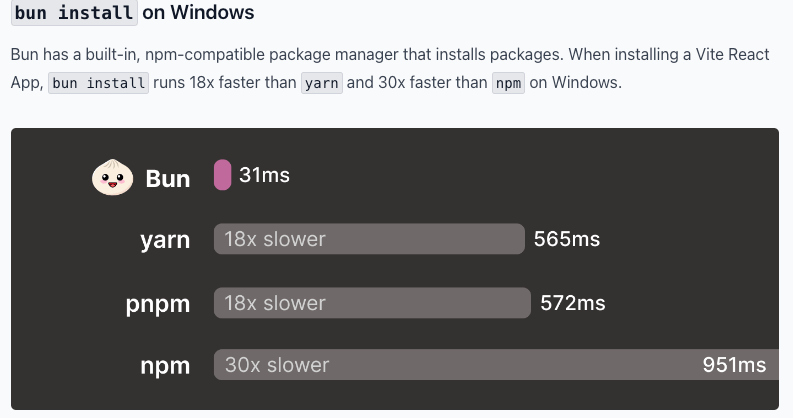
4月1日发布,完美支持 Windows 平台(>= Win 10)。
所有功能都可以在 Windows 上使用了,再也不是阉割版本了。
特别推荐 `Bun install` 和 `Bun Shell`
```ts
// test.ts
import { $ } from 'bun'
// pipe to stdout:
await $`ls *.js`
```
```sh
bun run test.ts
```
执行 TS 脚本,可以直接 `bun filename`
```sh
bun hello.ts
```
速度极快,完全替代了 `ts-node`, `tsx` 这些库,成为了我日常执行 TS 脚本的首选。
### [2. Signals 的标准化提案](https://mp.weixin.qq.com/s/ujWFplzUb7nCunvCpqaW9Q)
去年的很火的一个东西,可以一起回顾一下这张趣图。
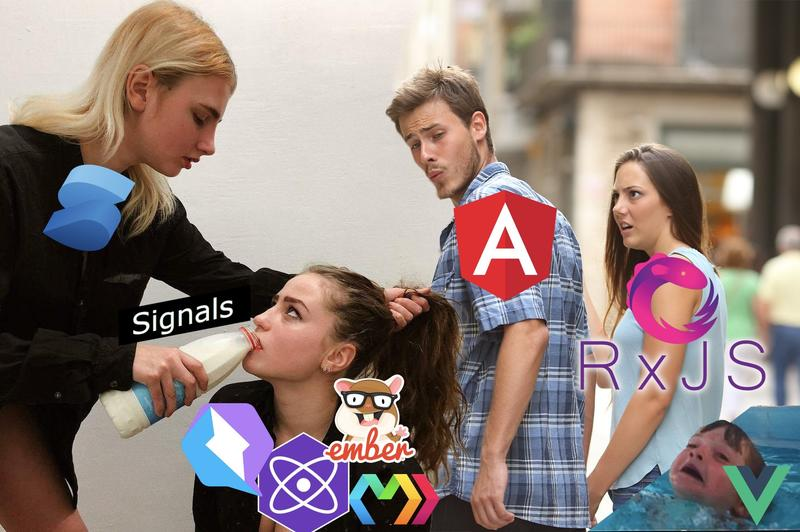
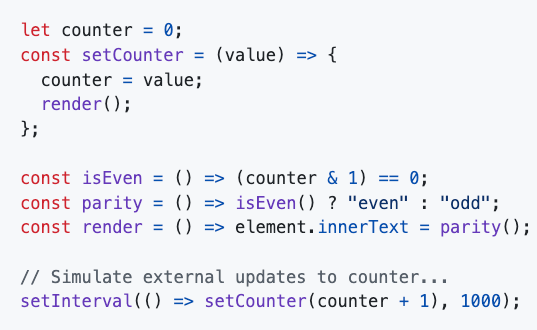
现在有人弄成 ES 提案了,[用法如下](https://github.com/tc39/proposal-signals)。
| 常规写法 | signals写法 |
| :------: | :---------: |
|  | 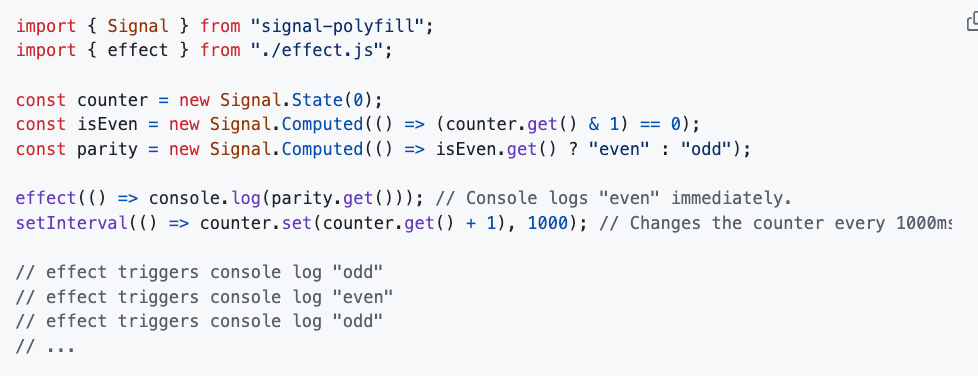 |
[GitHub signals polyfill 代码](https://github.com/tc39/proposal-signals/tree/main/packages/signal-polyfill)
最终效果是不是和现在的前端框架大差不差了 👍🏻?
### [3. 免费的AI咒语聚合网站](https://artiversehub.ai/cn/ai-image-generator)
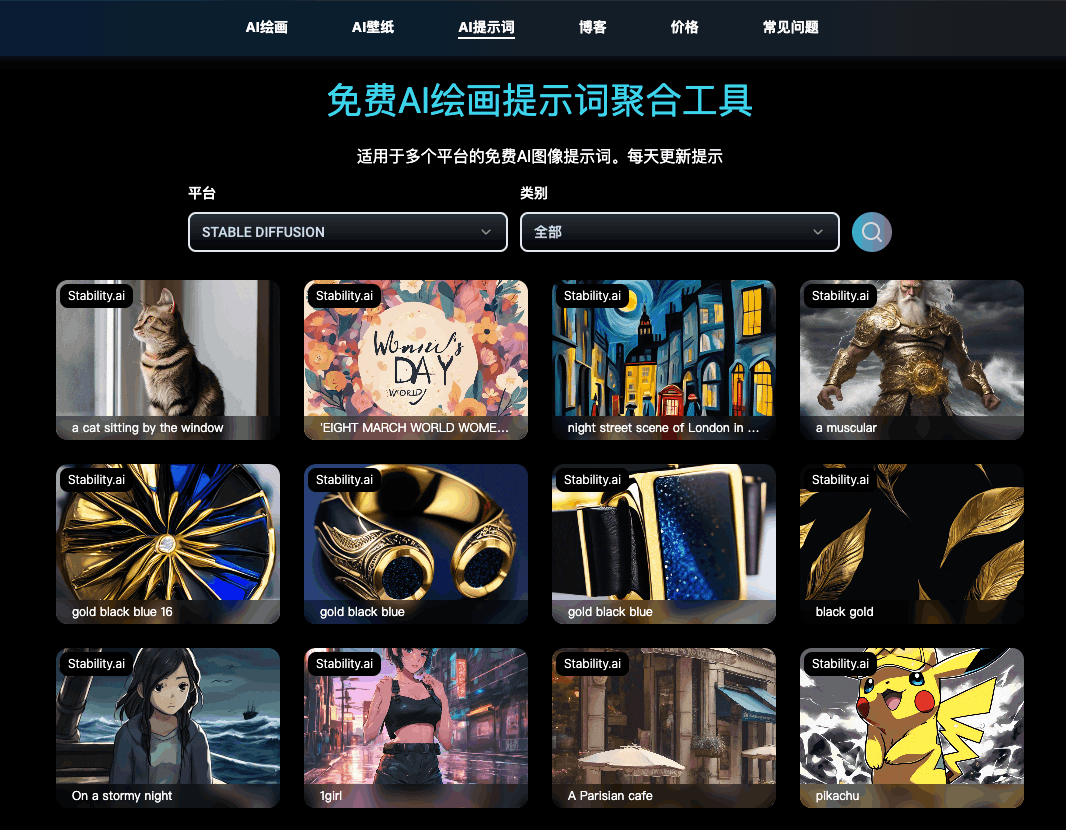
可以收藏起来,有空的时候翻一翻 CV CV 本地使用。
## 🔧开源工具&技术资讯
### [4. 前端框架新势力大盘点](https://mp.weixin.qq.com/s/pAB6FhN-eWJqHAzdVSK_nQ)
简单介绍了一下`Astro`, `Qwik`, `Remix`, `Refine`, `Nue`, `VanJS`, `Waku` 这些框架的发布时间和特色。
*轮子非常多,每个都有合适的使用场景,对这些新兴框架感兴趣的可以深入学习了解一下。*
### [5. dashpress](https://github.com/dashpresshq/dashpress) - 数据库管理
> 只需执行一个命令,就会自动分析数据库结构,生成管理后台,号称不用写代码。
① 终端执行指令
```sh
npx dashpress
```
② 访问面板
`http://localhost:3000`
③ 录入数据库账号即可
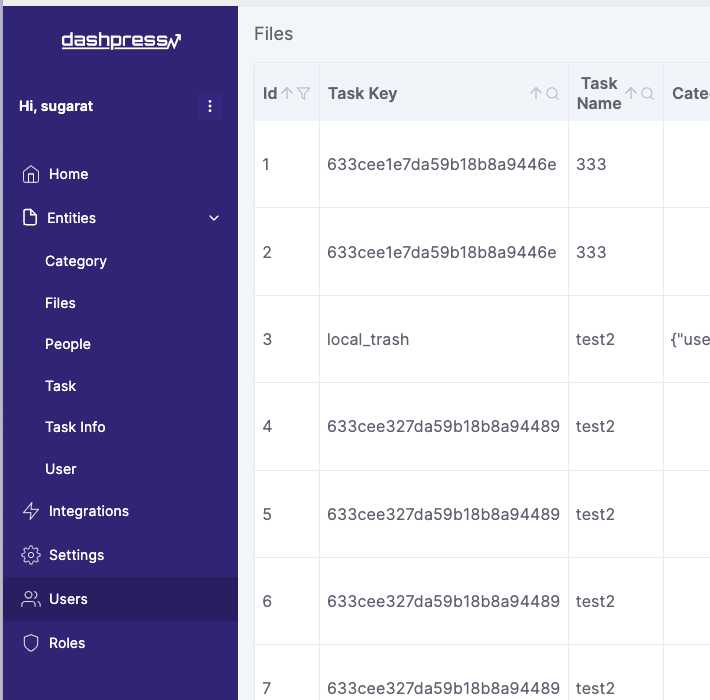
*看上去像一个常规数据库管理软件,暂没体验到特别的功能。*
只能说启动非常方便 👍🏻,有 Node 即可。
### [6. node.js 截图库](https://github.com/nashaofu/node-screenshots)
原生的 node.js 截图库,支持 Mac、Windows 和 Linux 系统,且无需任何依赖。
使用示例
```js
const fs = require('fs')
const { Screenshots } = require('node-screenshots')
const capturer = Screenshots.fromPoint(100, 100)
console.log(capturer, capturer.id)
// 同步截图
const image = capturer.captureSync()
fs.writeFileSync('./a.png', image)
// 异步截图
capturer.capture().then((data) => {
console.log(data)
fs.writeFileSync(`${capturer.id}.png`, data)
})
```
### [7. autospec - API 规范描述文件生成](https://github.com/Adawg4/openapi-autospec)
自动记录请求接口的格式,生成符合 `OpenAPI 3.0` 规范 的描述文件。
① 录制接口
```sh
# ① 安装依赖
npm i openapi-autospec
# ② 启动录制服务
npx autospec --portTo 3000 --filePath api.json
```
这里的 3000 是你的本地后端服务的端口,启动后效果如下
```sh
Proxy server listening on port 8687
Configure your client to use proxy at
127.0.0.1:8687
All traffic will be forwarded to 127.0.0.1:3000
```
你可以在前端应用中将 `proxy` 指向 8687 端口,服务会自动将其转发到 3000 端口
```js
// proxy 配置
proxy: {
'/api/': {
target: 'http://127.0.0.1:8687',
changeOrigin: true,
rewrite: (p) => p.replace(/^\/api/, '')
},
}
```
② 生成文档
所有的请求都会被记录并自动生成对应的描述文件,下面是请求打印的日志。
```sh
[POST] received for http://127.0.0.1:8687/public/report/pv
[GET] received for http://127.0.0.1:8687/super/user/message
[GET] received for http://127.0.0.1:8687/category
[GET] received for http://127.0.0.1:8687/task
[GET] received for http://127.0.0.1:8687/user/power/super
```
接着可以使用 [Redoc](https://github.com/Redocly/redoc) 生成文档。
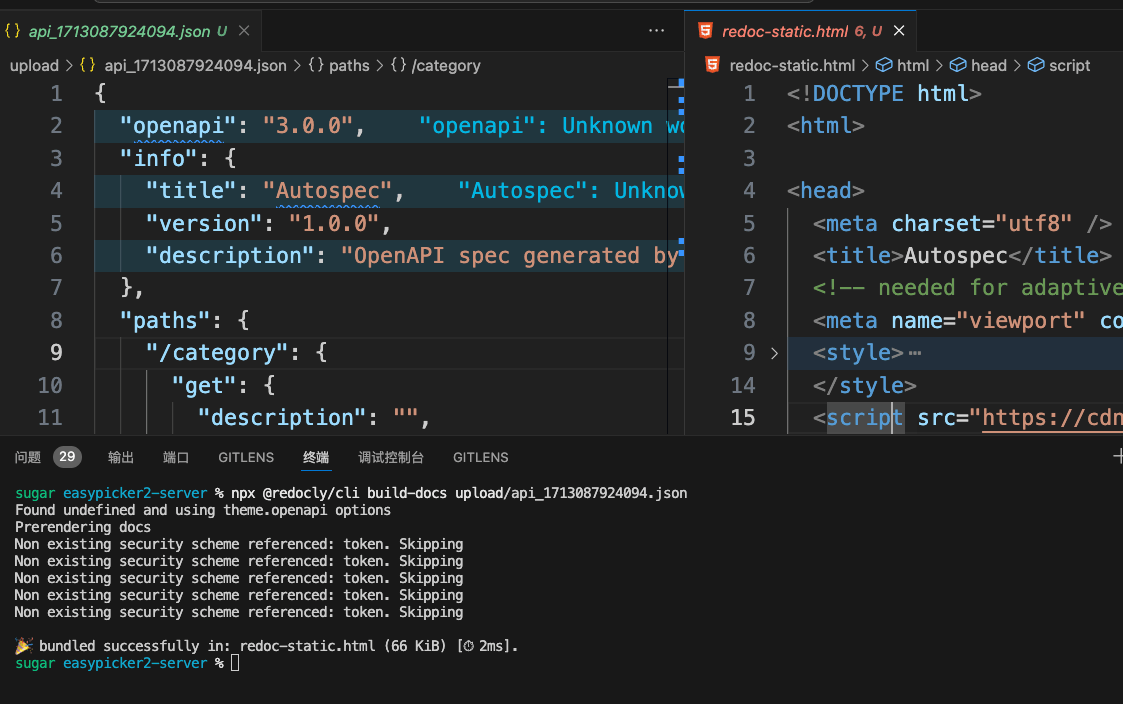
```sh
npx @redocly/cli build-docs api.json
```
最终文档效果如下。
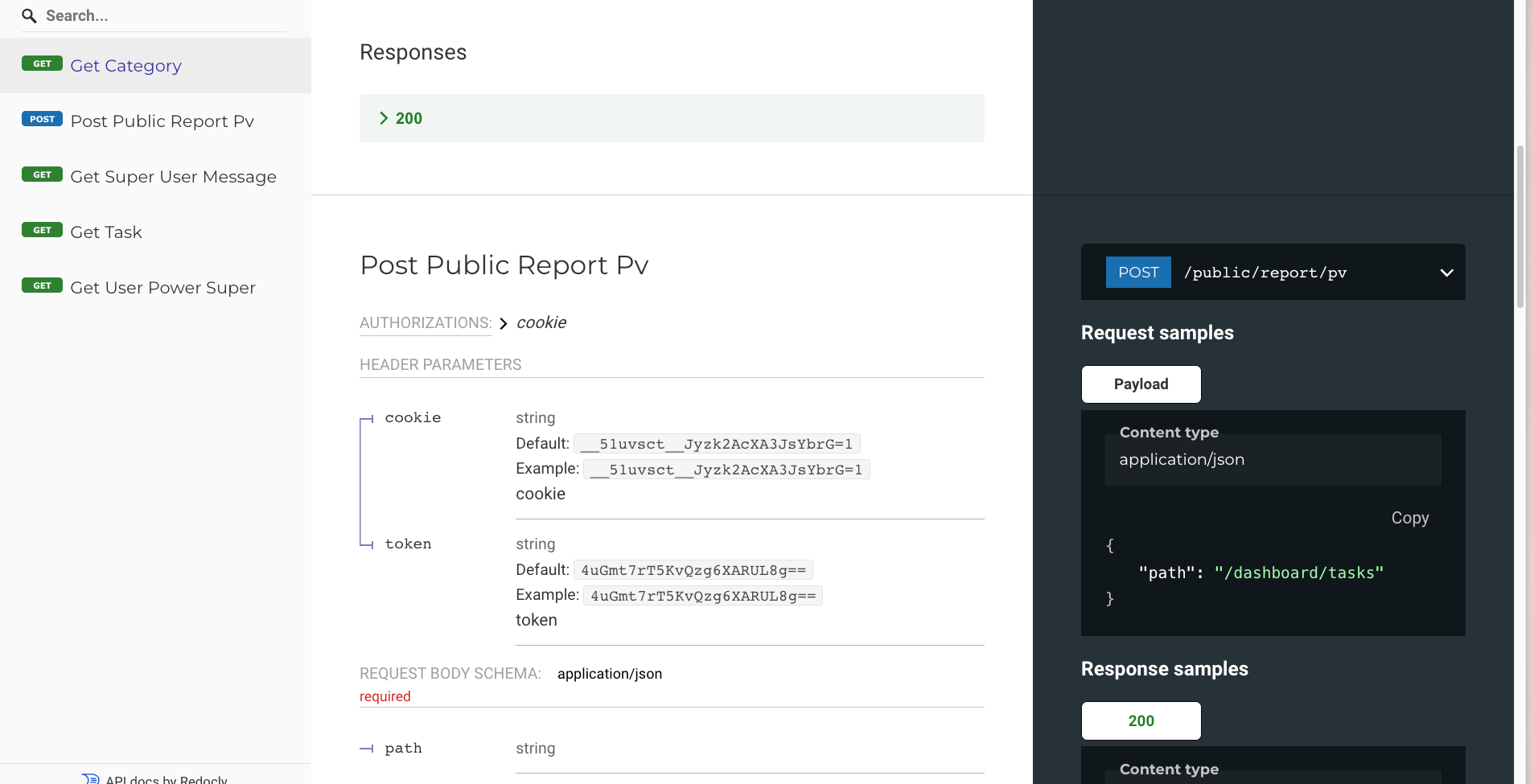
非常适合需要对外给到部分API文档时,进行自动生成。
*下周准备深度使用一下,看看 [awesome-api-devtools](https://github.com/yosriady/awesome-api-devtools?tab=readme-ov-file#api-documentation) 提到的一些文档工具,弄个API文档生成最佳实践*。
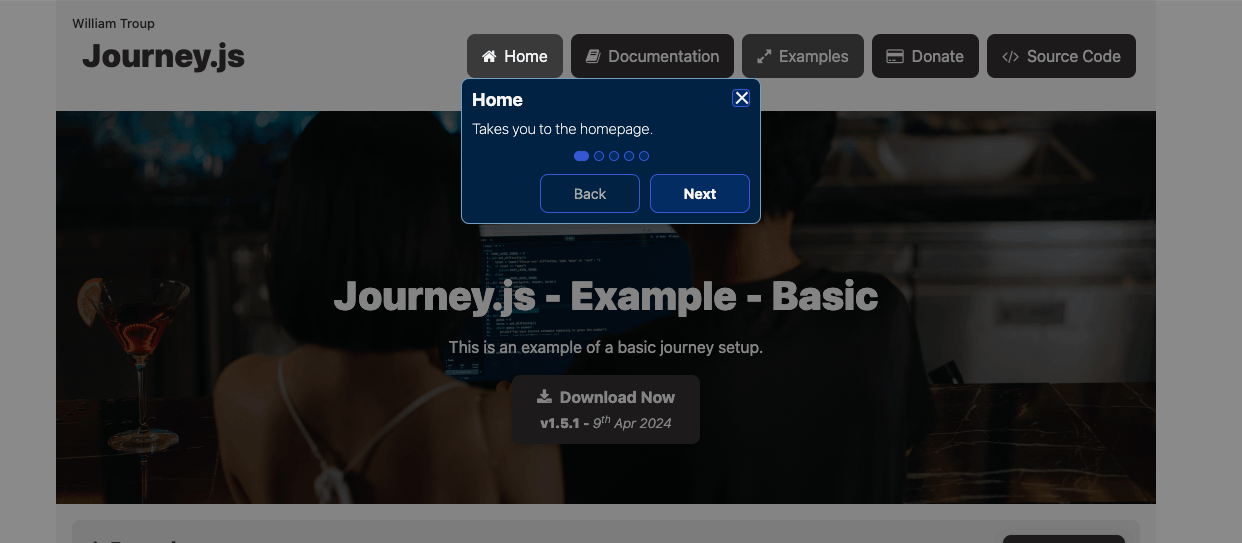
### [8. Journey.js](https://github.com/williamtroup/Journey.js) - 交互式引导
> 零依赖库,用于创建交互式和可访问的引导。
可直接通过 Dom 属性绑定步骤。
```html
```
### [9. barbajs](https://github.com/barbajs/barba) - 页面切换的平滑过渡
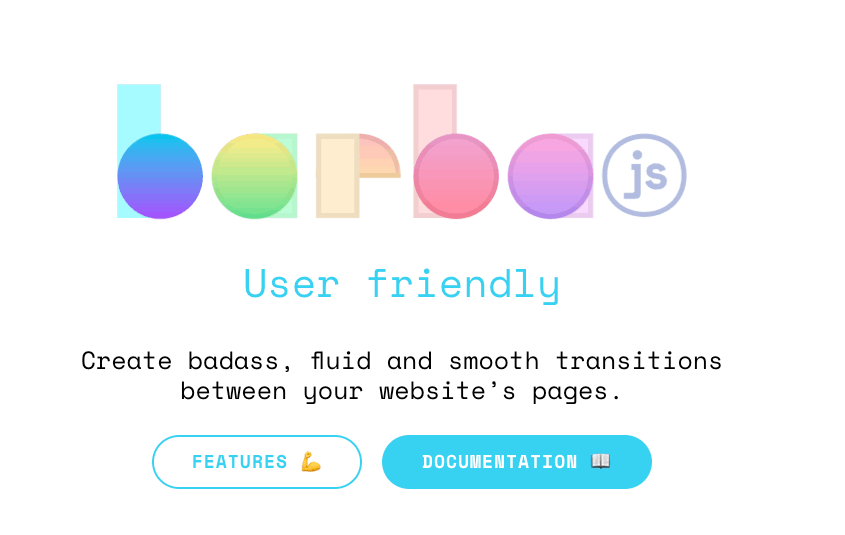
可用于制作平滑的页面过渡效果,效果可访问 `https://barba.js.org/` 体验。
## 📚 教程&文章
### [10. CSS 容器查询交互式教程](https://ishadeed.com/article/css-container-query-guide)
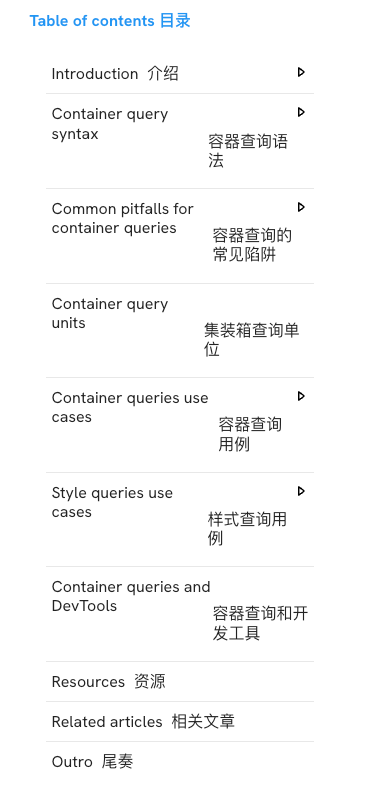
非常详细,有兴趣&时间的可以细品一下。
***
篇幅有限,如果你还没看够,可移步后面的推荐渠道,继续游览,历史周刊(<20)[移步博客](https://sugarat.top/weekly/index.html)
## ⭐️强力推荐关注
* [阮一峰: 科技爱好者周刊](https://www.ruanyifeng.com/blog/archives.html) - 记录每周值得分享的科技内容,周五发布
* [云谦:MDH 前端周刊](https://sorrycc.com/mdh/) - 前端资讯和分享
* [童欧巴:前端食堂](https://github.com/Geekhyt/weekly) - 你的前端食堂,吃好每一顿饭
* [前端RSS](https://fed.chanceyu.com/) - 根据 RSS 订阅源抓取最新前端技术文章
* [值得一读技术博客](https://daily-blog.chlinlearn.top/) - 每天进步一点点,每天分享有料的技术文章!
* [FRE123 技术周刊精选](https://www.fre123.com/weekly) - 前后端技术周刊精选推荐信息流