---
url: https://sugarat.top/weekly/2024-01-14.md
description: >-
① 2023 CodePen Top 100 ② CSS Hooks | 原生内联样式解决方案 ③ 2024 年前端预测 ④ 媒体查询 scripting
⑤ vscode-common-intellisense - 主流前端组件库提示 ⑥ 在线截图编辑 ⑦ AI Search ⑧ 阿里 AnyText 模型
---
# 视野修炼第69期
欢迎来到第 69 期的【视野修炼 - 技术周刊】,下面是本期的精选内容简介
\[\[toc]]
**也推荐大家关注一下最后的推荐内容(周刊的主要内容来源渠道)**
下面开始本期内容的介绍**ღ( ´・ᴗ・\` )比心**。
## 🔥强烈推荐
### [1. 2023 CodePen Top 100](https://codepen.io/2023/popular)
一起来看看前 3 效果。
**1:[拖转+旋转卡片](https://codepen.io/supah/pen/xxJMbbg)**
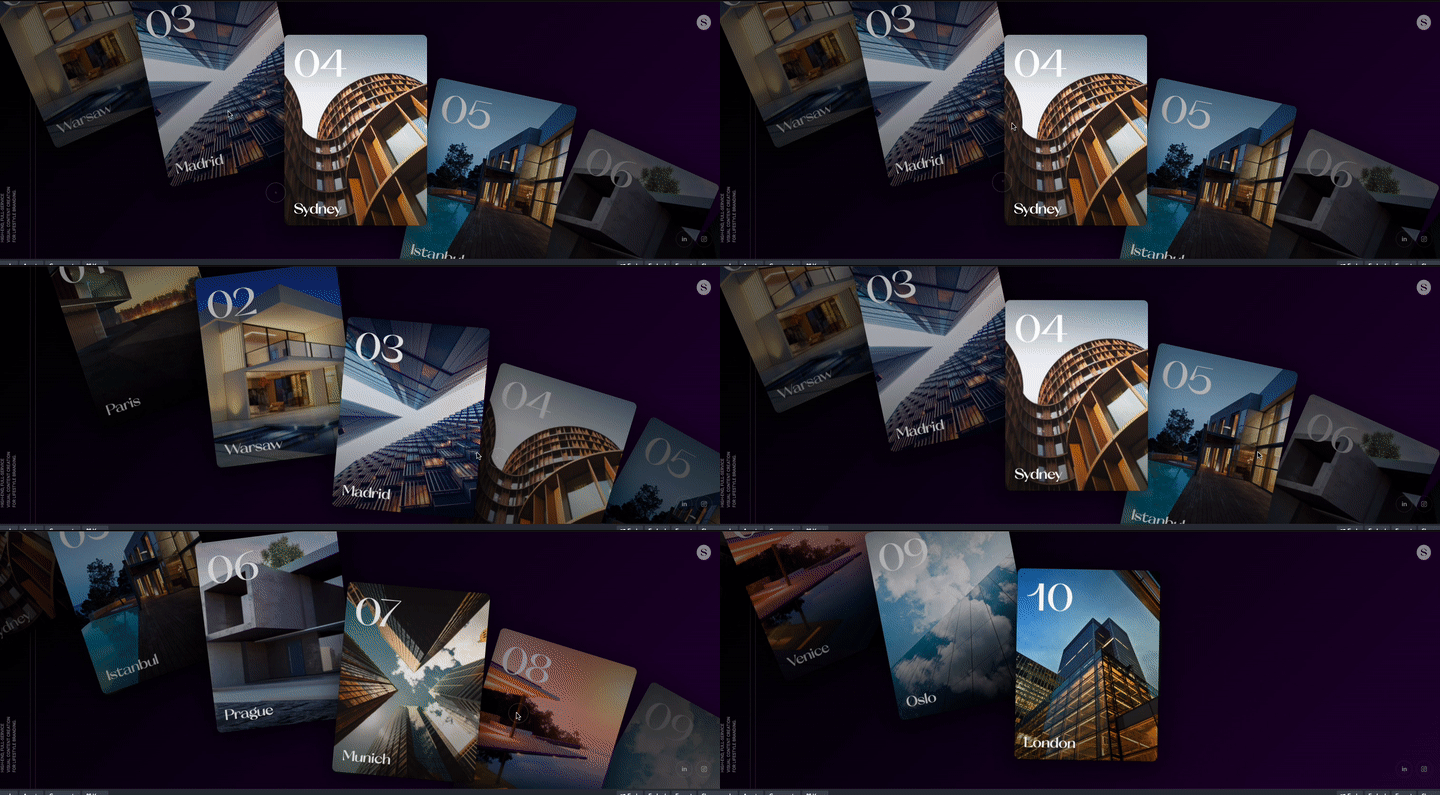
**2:[3D Hover卡片效果](https://codepen.io/gayane-gasparyan/pen/wvxewXO)**

**3:[发光悬停效果](https://codepen.io/inescodes/pen/PoxMyvX)**

*直呼牛逼!都很哇塞!*
里面肯定有你觉得有趣与新颖的例子,或多或少有借鉴的地方
### [2. CSS Hooks](https://github.com/css-hooks/css-hooks) | 原生内联样式解决方案
很新的一个东西!**一种为原生内联样式带来高级 CSS 功能的样式解决方案**
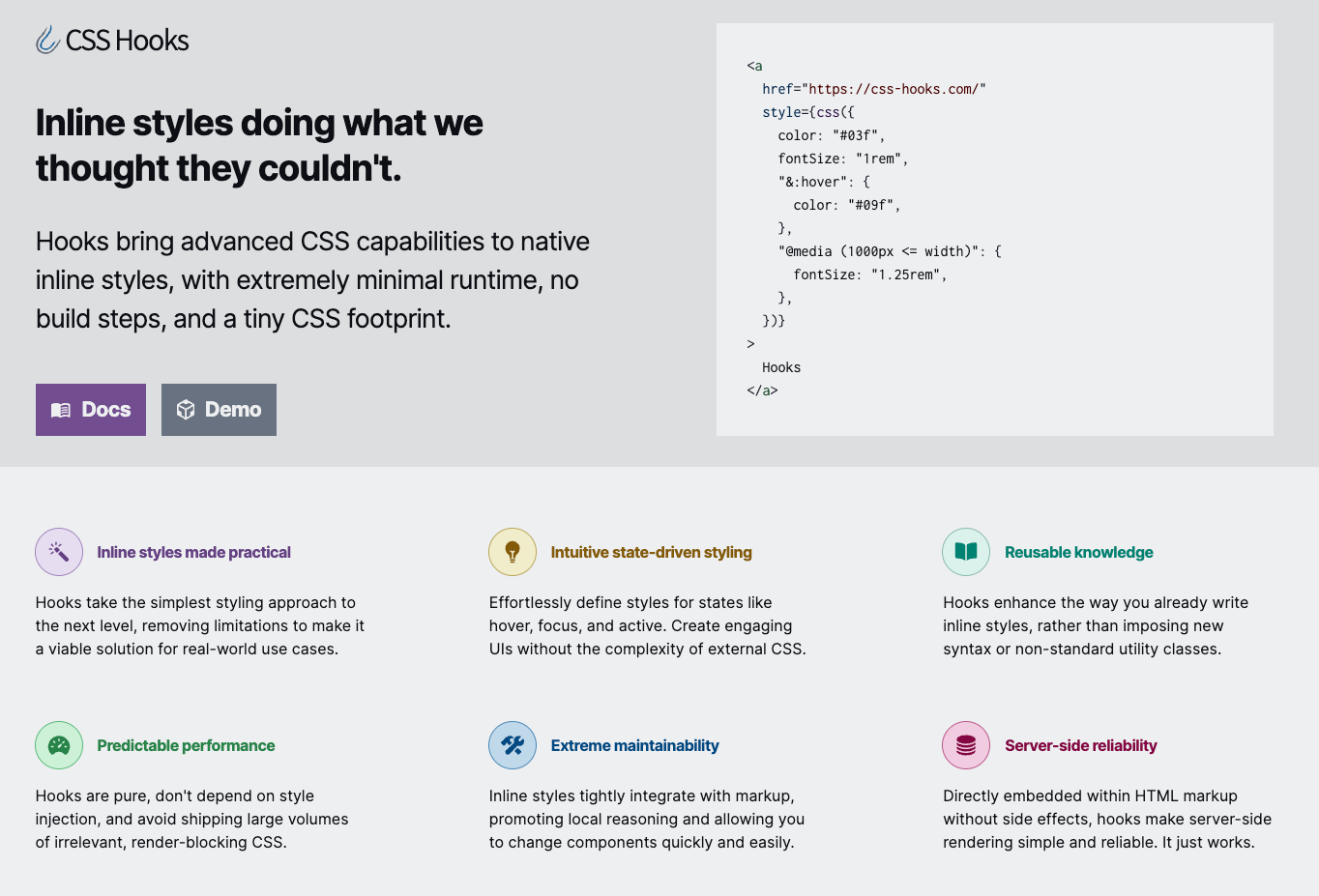
```jsx
Hooks
```
可以看这个[在线的 Demo](https://codesandbox.io/p/devbox/example-react-pk9thc?file=/src/css.ts)
```js
import { createHooks } from '@css-hooks/react'
export const [hooks, css] = createHooks(
{
'&:hover': '&:hover',
'&:active': '&:active',
'@media (prefers-color-scheme: dark)':
'@media (prefers-color-scheme: dark)',
},
{
sort: true,
},
)
```
看了一下实际编译后的 hooks 内容,就是自动生成CSS 变量插入到了 style 标签中
```jsx
import React from 'react'
import ReactDOM from 'react-dom/client'
import { hooks } from './css'
import App from './App'
ReactDOM.createRoot(document.getElementById('root')).render(
{/* 这里就是最后生成插入的内联 style 样式 */}
{/* 都是一些CSS变量 */}
,
)
```
## 🔧开源工具&技术资讯
### [3. 2024 年前端预测](https://buttondown.email/whatever_jamie/archive/frontend-predictions-for-2024/)
**2023回顾:** SSR,AI,浏览器/JS引擎,JS运行时,跨平台框架,构建系统(Turbopack,RsPack)。。。
**2024预测:** Bun,Biome,刚刚开始的AI,大型UI框架。。。
### [4. 媒体查询 scripting](https://frontendfoc.us/link/149767/web)
可以通过 `scripting: none` 检测网页是否支持脚本加载。
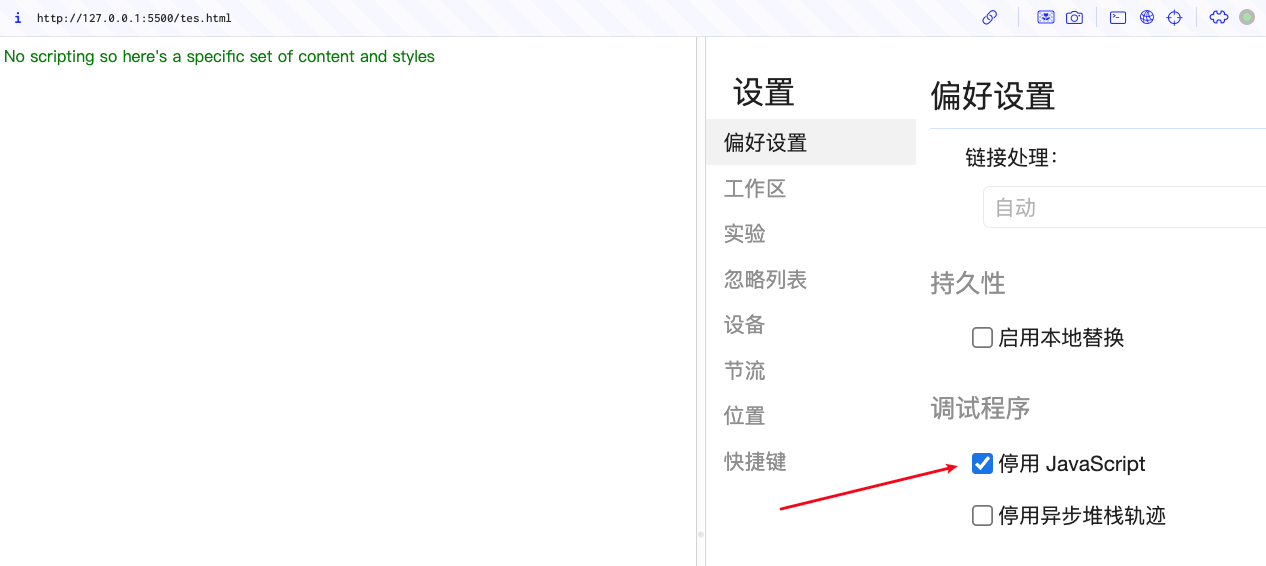
```html
No scripting so here's a specific set of content and styles
```
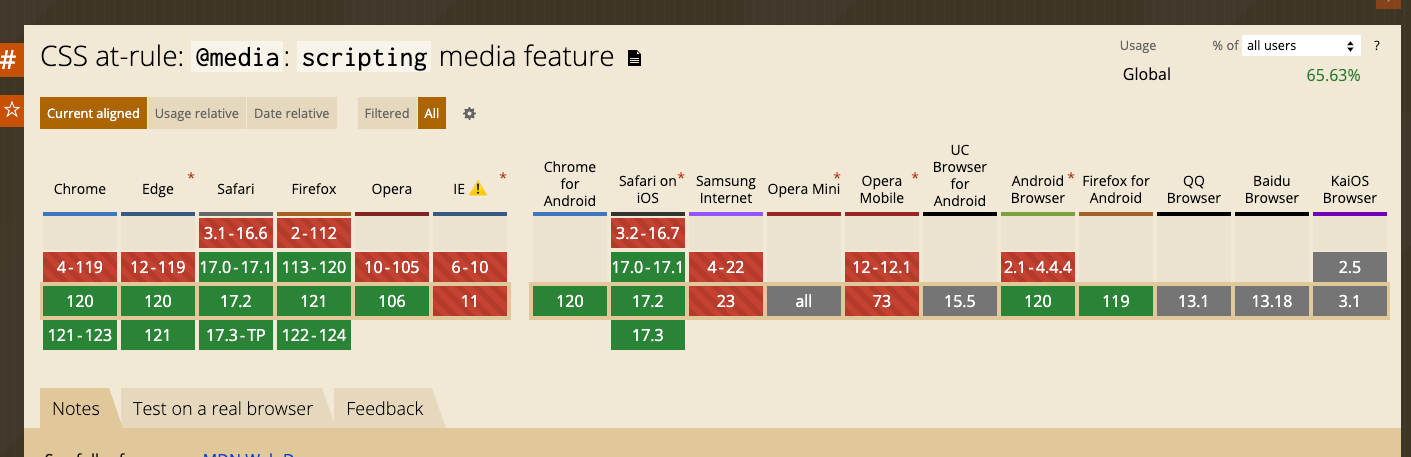
支持情况如下:
### [5. vscode-common-intellisense](https://github.com/Simon-He95/vscode-common-intellisense) - 主流前端组件库提示
一个 VS Code 插件,集成常见 UI组件库的代码提示。
目前支持`vant`,`antd`,`element`等 16+ 主流组件库
### [6. 在线截图编辑](https://github.com/CH563/shot-easy-website)
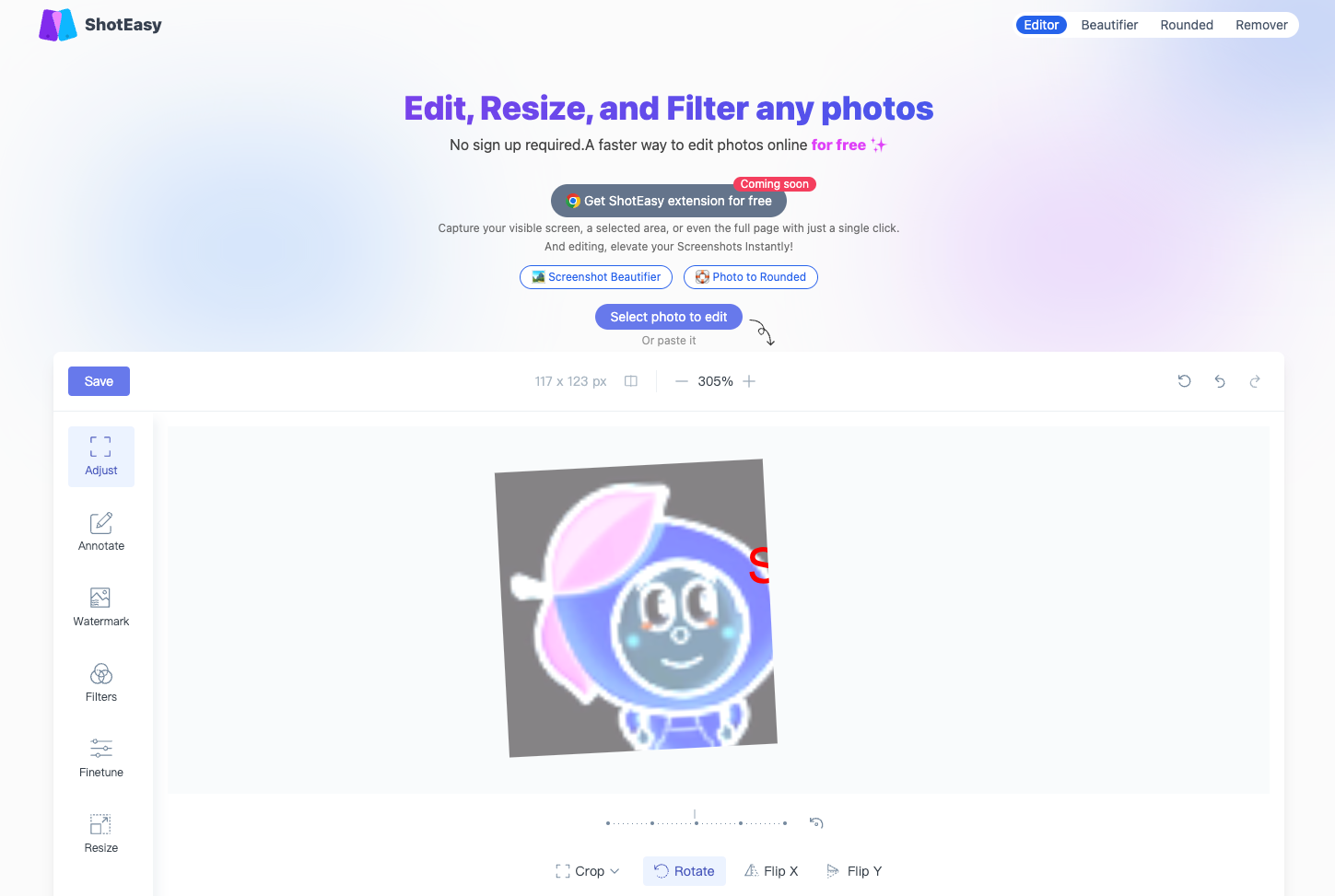
*项目代码开源,目前开就是常规的一些调整,可以完成一些简单的变换*
## 🤖AI工具&资讯
### [7. AI Search](https://aoyo.ai/search)
AI 驱动的搜索引擎。
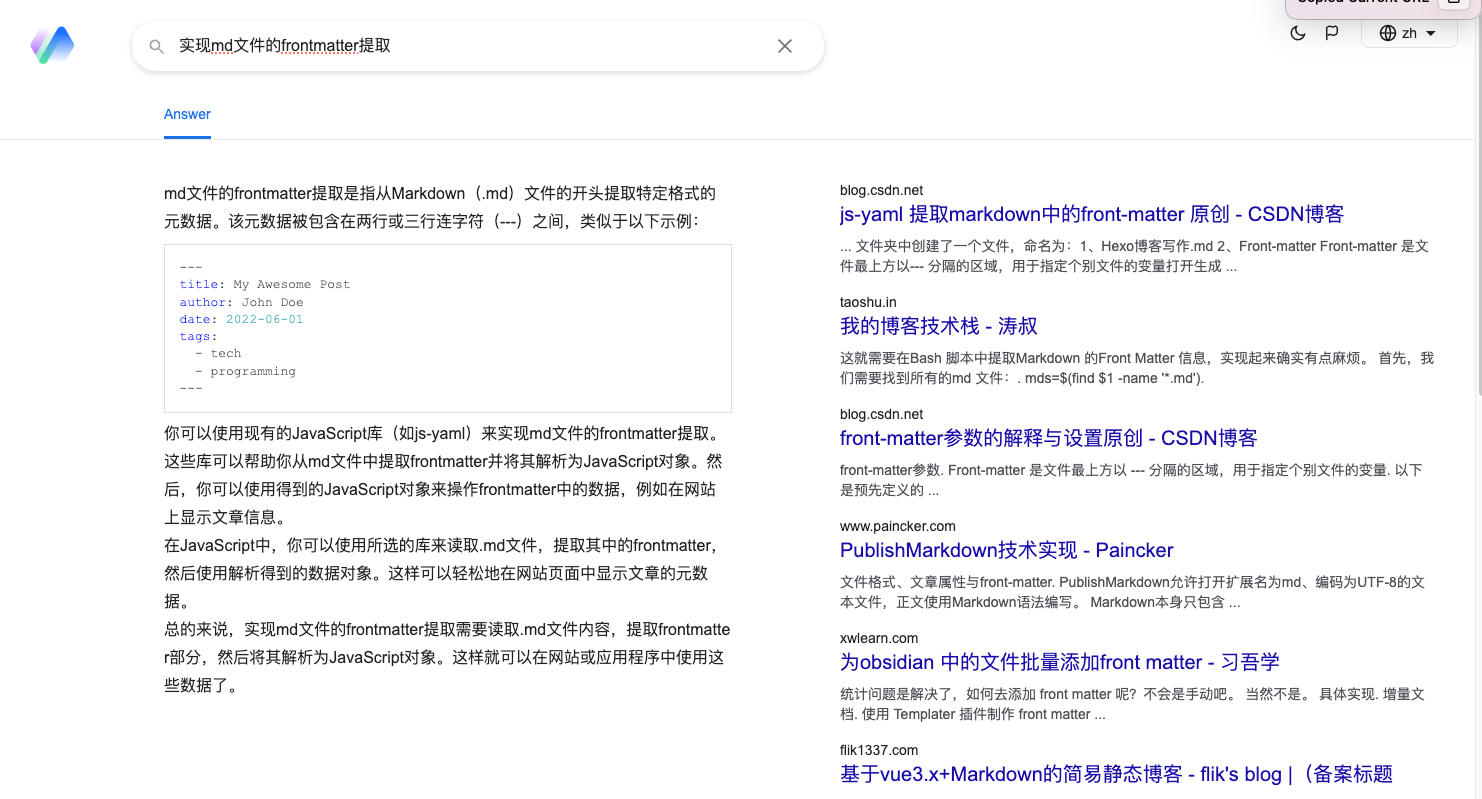
出结果挺快的,和之前推荐的 [Devv](https://devv.ai/zh) 类似。
*百度的[开发者搜索引擎](https://kaifa.baidu.com/)就该学学🤔*
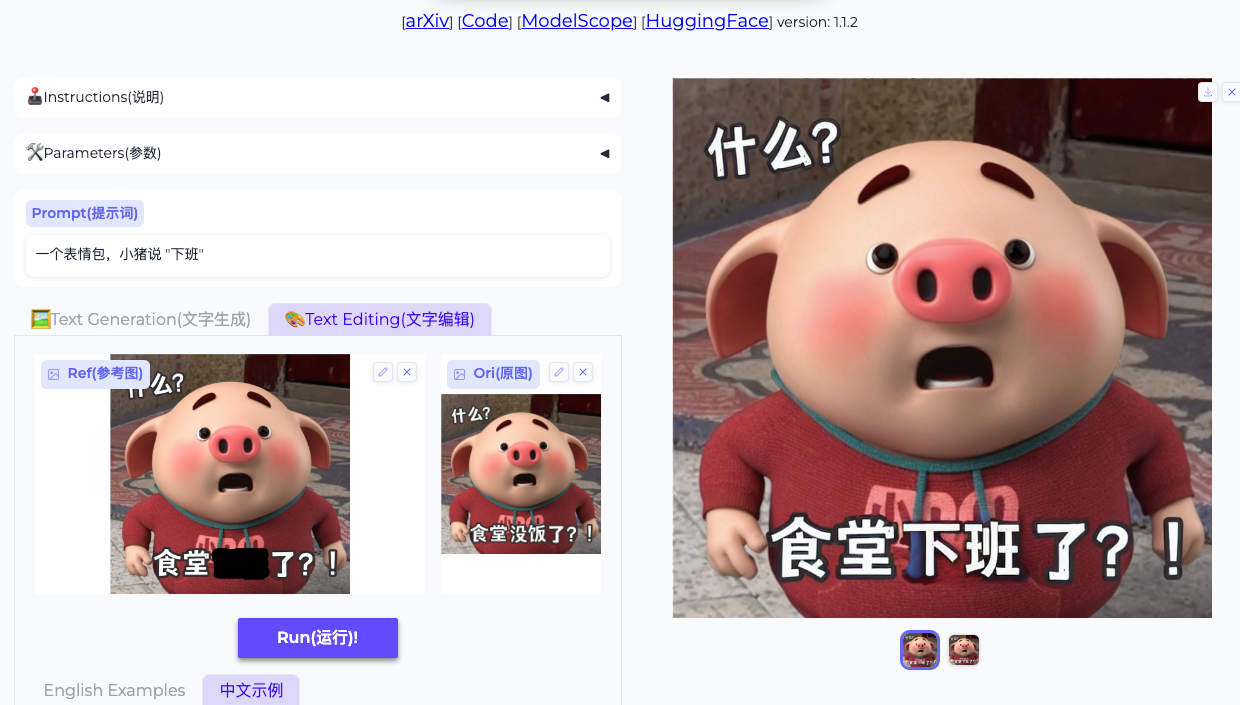
### [8. 阿里 AnyText 模型](https://github.com/tyxsspa/AnyText)
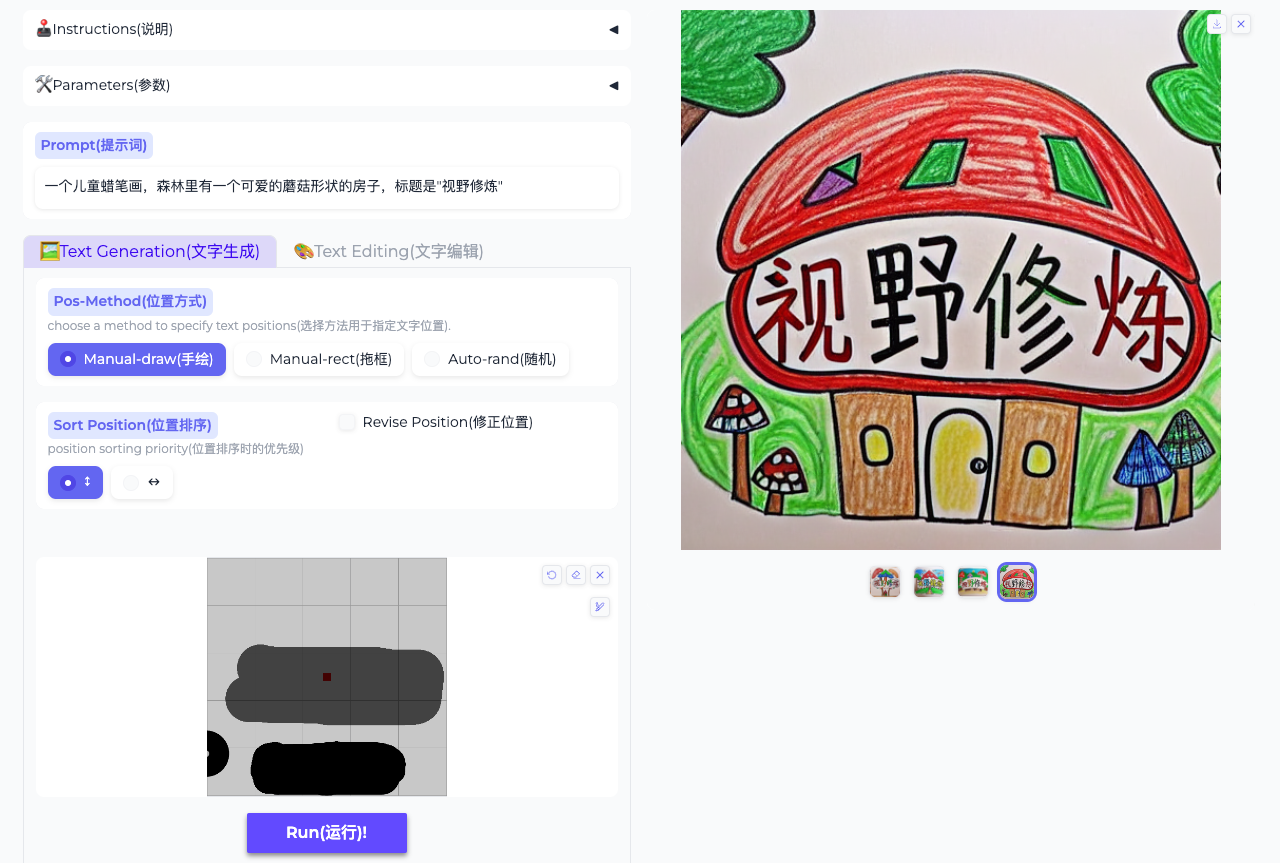
多语言可视文本生成和编辑工具,AI生成图片可以包含指定文字。
在线体验地址 [huggingface](https://huggingface.co/spaces/modelscope/AnyText)
| 文字生成 | 文字编辑 |
| :---------------------------------------------------------------------: | :---------------------------------------------------------------------: |
|  |  |
## 😛趣图
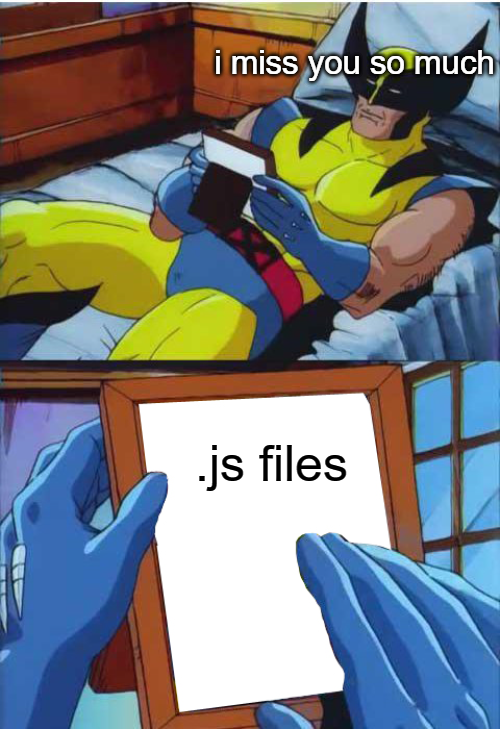
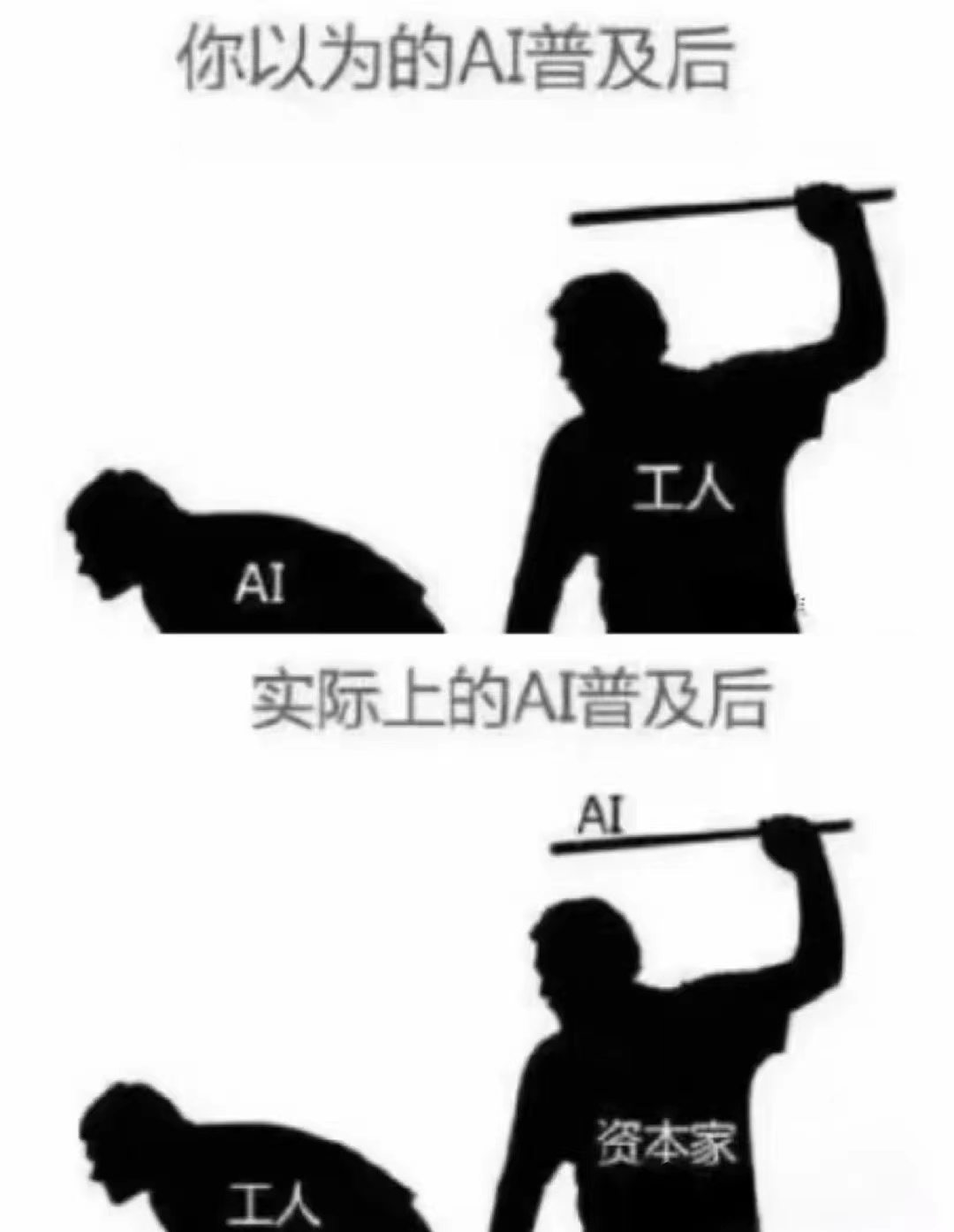
| 你多久没创建.js文件了?了 | AI 赋能? |
| :---------------------------------------------------------------------: | :---------------------------------------------------------------------: |
|  |  |
***
篇幅有限,如果你还没看够,可移步后面的推荐渠道,继续游览,历史周刊(<20)[移步博客](https://sugarat.top/weekly/index.html)
## ⭐️强力推荐关注
* [阮一峰: 科技爱好者周刊](https://www.ruanyifeng.com/blog/archives.html) - 记录每周值得分享的科技内容,周五发布
* [云谦:MDH 前端周刊](https://mdhweekly.com/) - 前端资讯和分享
* [童欧巴:前端食堂](https://github.com/Geekhyt/weekly) - 你的前端食堂,吃好每一顿饭
* [前端RSS](https://fed.chanceyu.com/) - 根据 RSS 订阅源抓取最新前端技术文章
* [值得一读技术博客](https://daily-blog.chlinlearn.top/) - 每天进步一点点,每天分享有料的技术文章!
* [FRE123 技术周刊精选](https://www.fre123.com/weekly) - 前后端技术周刊精选推荐信息流